Effective date: July 26, 2026.
These Terms & Conditions govern purchases from and use of the Ahmed Saad website, customer account, digital products, license services, downloads, updates, and support. By placing an order, you agree to these terms and the policy versions presented at checkout.
1. Seller and contact
The seller is Ahmed Saad, operating from the Arab Republic of Egypt. Legal, order, and service questions may be sent through the published contact channels:
2. Digital products and contract formation
Products are downloadable WordPress, WooCommerce, or related software and digital files. No physical shipment is included. Product pages describe the main functionality, price, plan, activation limit, and material requirements. Your order is an offer to purchase. A contract is formed when payment is successfully authorized and the store confirms or begins fulfilling the order. We may refuse or cancel an order before fulfillment for a payment failure, pricing error, suspected fraud, legal restriction, or product unavailability, and will return captured funds when required.
3. Prices, payment, and taxes
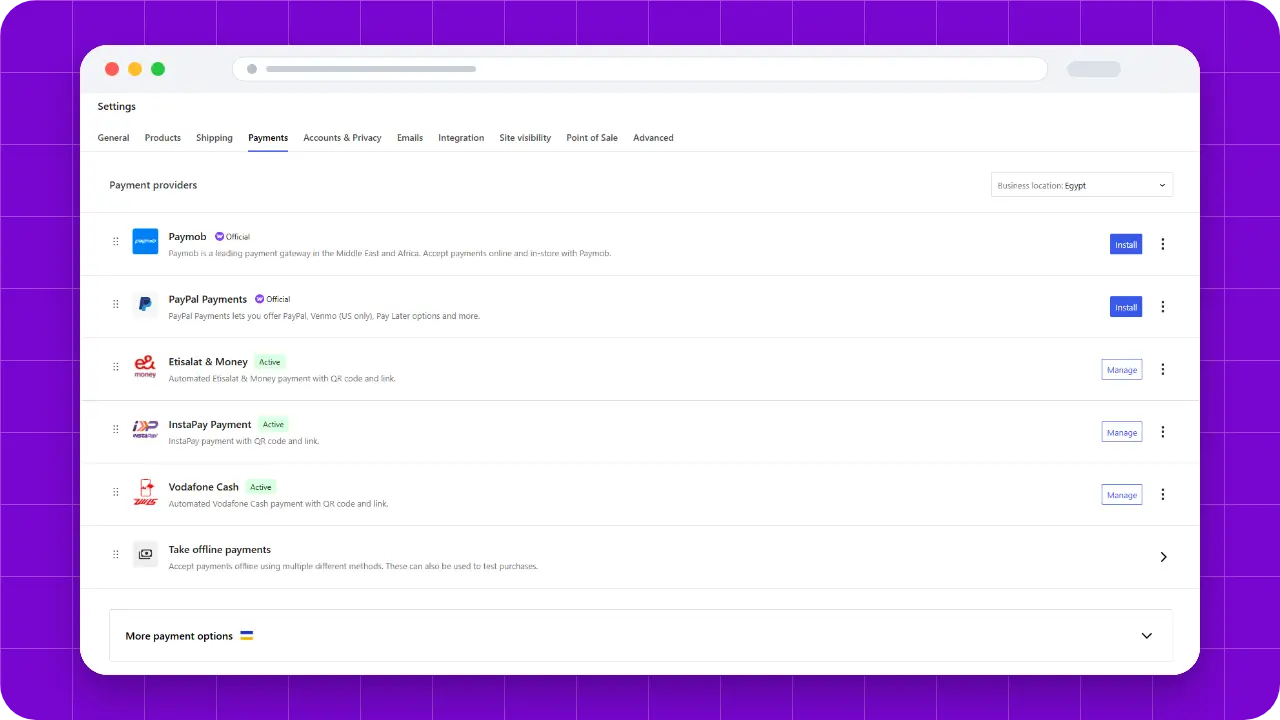
The checkout displays the order price and currency before payment. You are responsible for accurate billing information and any tax, conversion, or payment-provider charge disclosed to you. Payments are handled by the selected payment provider. We do not store complete card numbers on this website.
4. Immediate digital delivery
After successful processing, the store may provide account access, a download, and a license key immediately. At checkout you may be required to expressly request immediate digital delivery and acknowledge its effect on any applicable change-of-mind withdrawal period. Download access being granted or requested is evidence that digital delivery began; it is not a claim that every byte necessarily reached your device.
5. Product requirements and customer responsibility
You must review the product page, supported WordPress, WooCommerce, PHP, theme, and third-party requirements before purchase. Maintain lawful backups and a suitable testing environment before installing or updating software. You are responsible for your site, hosting, content, credentials, third-party licenses, and changes made outside the supplied product.
6. Refunds and mandatory rights
Refund eligibility, non-eligible change-of-mind cases, the technical review process, and the effect of an approved refund are explained in the Refund Policy. No “all sales final” statement excludes a remedy that mandatory consumer law requires. Where a verified material defect or non-conformity cannot be reasonably remedied, the available remedy may include repair, replacement, a proportionate price reduction, or refund as required by applicable law.
7. Software license and site limits
Use of license keys, customer downloads, update services, support, trademarks, and proprietary materials is governed by the Software License Agreement. The activation limit is the limit displayed for the purchased plan. Applicable open-source licenses continue to govern components identified as open source.
8. Lifetime products, updates, and end of life
“Lifetime” means perpetual lawful use of the last version supplied to you, subject to the applicable license. Updates are included without a recurring license fee while the product remains actively maintained and offered by the seller. It does not mean the lifetime of the customer and does not promise development, hosted downloads, compatibility, or support forever. If a product reaches end of life, you may continue using your last lawful copy, but no future compatibility, feature, or security update is promised.
9. Support
Included support, exclusions, required diagnostics, third-party conflicts, access safeguards, and expected handling are explained in the Support Policy. Custom development and administration of unrelated systems require a separate written agreement.
10. Accounts, license keys, and acceptable use
Keep account credentials, private download links, and license keys confidential. Do not use the website or commercial services to bypass access controls, exceed activation limits, interfere with service operation, distribute malicious code, impersonate another person, or infringe the rights of others. Tell us promptly if your account or key may be compromised.
11. Suspension and termination
We may restrict commercial services after an approved refund, resolved chargeback, payment reversal, compromised account, key sharing, automated abuse, or material breach. Where appropriate, we will provide notice and a reasonable opportunity to correct a remediable breach. Suspension does not remove rights that cannot legally be removed.
12. Availability, warranties, and liability
We will supply the product with the functionality materially described at purchase and exercise reasonable care in support. Except for mandatory rights, we do not promise uninterrupted website availability or compatibility with every future third-party release. To the maximum extent permitted by law, neither party is liable for indirect or consequential loss that was not reasonably foreseeable. Nothing excludes liability that cannot lawfully be excluded, including liability arising from fraud, wilful misconduct, or mandatory consumer protection.
13. Privacy and records
How we use account, payment, order, consent, download, license, and support records is described in the Privacy Policy. The store keeps the policy versions and consent text recorded with the order so later page changes do not alter the agreement captured at checkout.
14. Governing law and disputes
These terms are governed by the laws of the Arab Republic of Egypt. The competent courts and consumer authorities of Egypt may hear disputes, unless mandatory law in the customer’s country gives the customer another non-waivable forum or protection. Please contact support first so we can attempt a practical resolution.
15. Changes to these terms
We may update these terms for future purchases. A material update receives a new effective version. The version recorded with an existing order remains the evidence for that order unless a mandatory legal change applies.